
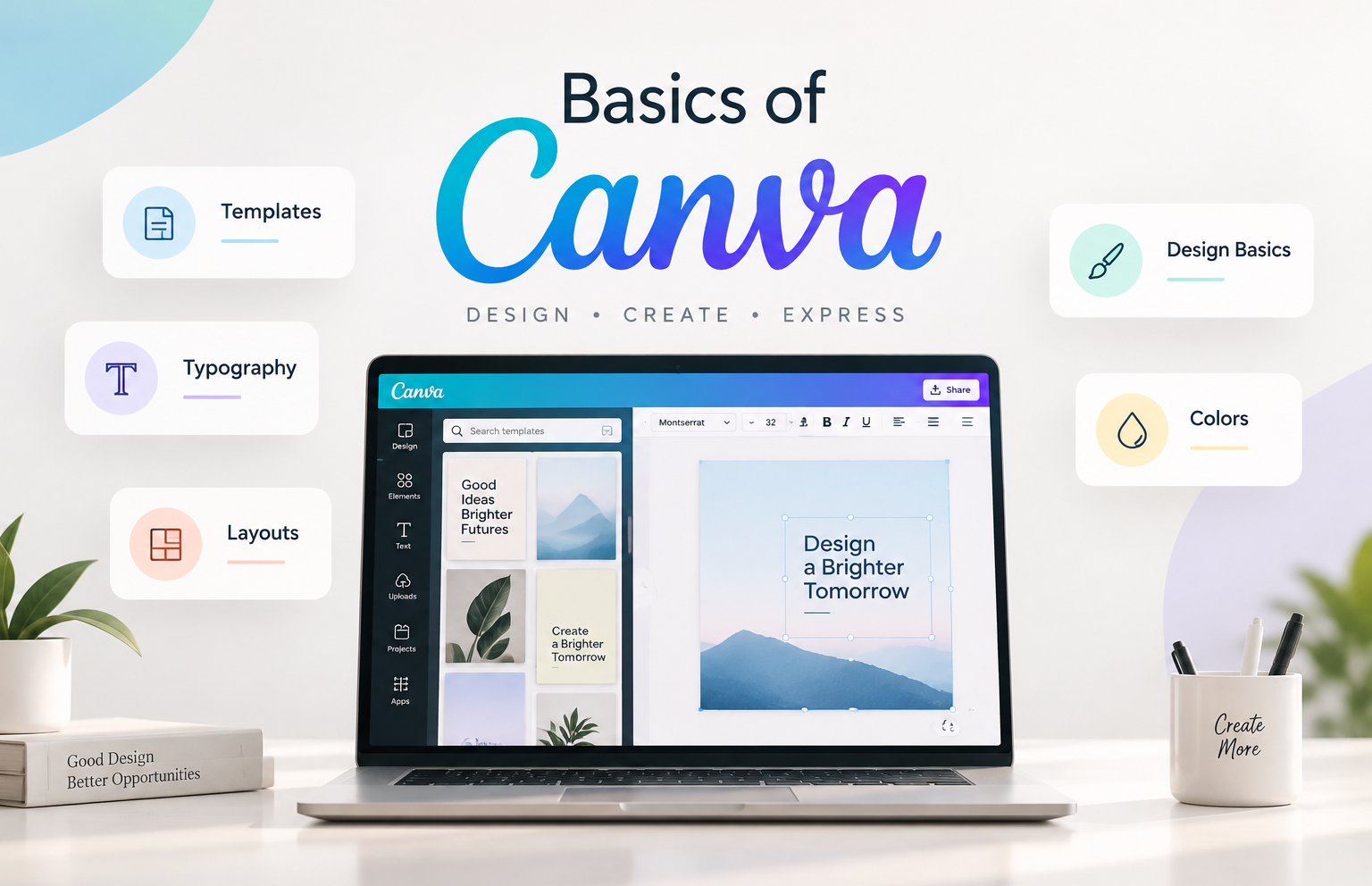
Basics of Canva

- 5 Sections
- 15 Lessons
- 2 Quizzes
- 10h Duration
Camera Fundamentals
Exposure Basics
Composition
Light and Color
Practical Workflow
Creating professional-looking designs can feel intimidating when you are faced with countless templates, fonts, colors, elements, and design options. But good design is built on a few simple principles that anyone can learn. This course introduces you to the fundamentals of Canva and gives you the practical skills to create clean, attractive, and purposeful designs with confidence.
We begin with the basics of Canva, helping you understand the platform, its interface, templates, design tools, and essential features. From there, you will learn the foundations of good design, including typography, colors, layouts, spacing, alignment, and visual hierarchy. You will also learn how to select and customize templates instead of simply using them as they are, allowing you to create designs that look consistent and professional.
The final section focuses on applying these skills to real-world designs. You will learn how to create social media posts, presentations, promotional creatives, and other everyday marketing materials while maintaining a clear visual identity. Along the way, practical exercises and self-checks will help you build confidence and ensure that each concept can be applied independently.
This course is designed for students, professionals, entrepreneurs, content creators, and anyone who wants to learn Canva from the ground up. You do not need prior design experience or advanced graphic design knowledge. Whether you are creating content for social media, presentations for work, or marketing materials for a business, you will learn practical, easy-to-apply design principles that help you create better visuals with Canva.
Want to submit a review? Login